Oh, No! My PC Needs Repair!
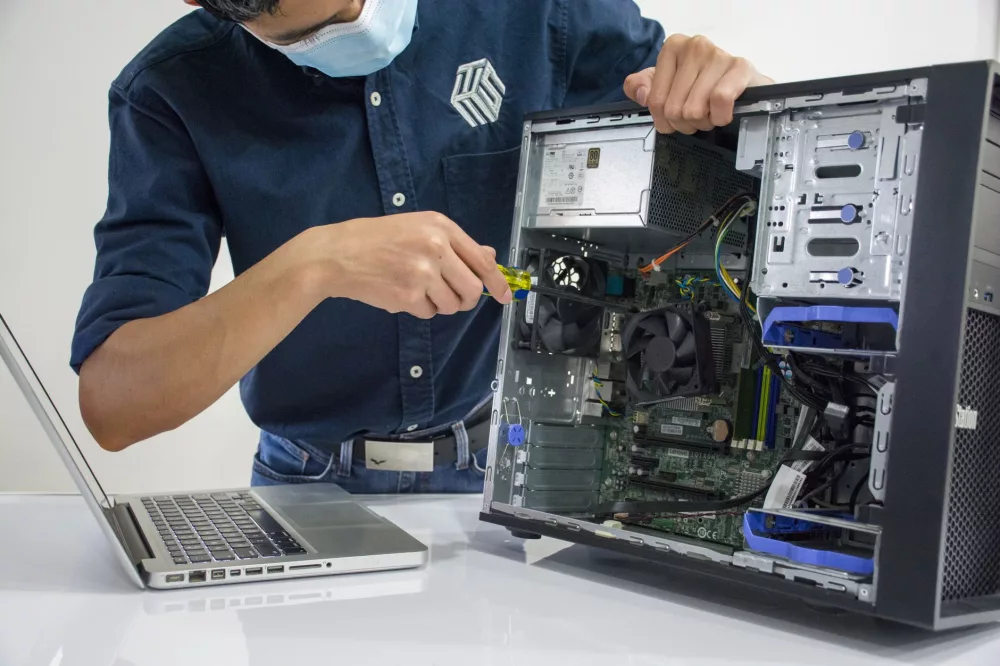
We've all been there, haven't we? That sinking feeling when your trusty computer, the one you rely on for work, for connecting with friends, or for unwinding with a good game, suddenly decides to throw a digital tantrum. One moment it's humming along, and the next, it's either frozen solid, refusing to boot, or making sounds you definitely didn't sign up for. When your PC starts acting up, it can feel like a genuine crisis. But don't you worry, because in this guide, I'm going to walk you through what to do when that dreaded phrase, "my PC needs to be repaired," echoes in your mind. We'll explore everything from identifying the warning signs to figuring out if you can fix it yourself or if it's time to call in the big guns.
The Whispers and Shouts: Recognizing the Signs of Trouble
Before your computer completely gives up the ghost, it often sends out little signals, warnings that something isn't quite right. Learning to recognize these can save you a lot of headache and potentially prevent a total meltdown. I always tell people, your PC is like a car; it usually gives you a heads-up before it breaks down.
- Snail's Pace Performance: Is your once zippy machine now moving like a sloth? Programs take ages to open, files transfer at a crawl, and even simple web browsing feels like you're on dial-up again? This is a huge red flag, suggesting everything from a cluttered hard drive to a failing component.
- Unexpected Crashes and Freezes: If your computer frequently freezes, throws up a dreaded Blue Screen of Death (BSOD), or just shuts down without warning, it's a clear cry for help. This could point to serious issues with your operating system, drivers, or even overheating hardware.
- Strange Noises: Are you hearing clicks, grinding, or loud whirring that wasn't there before? Hard drives often make clicking sounds when they're on their last legs. Overly loud fan noise could mean your system's struggling with heat. Keep an ear out!
- Error Messages Galore: Pop-ups telling you about corrupted files, missing DLLs, or driver failures are not to be ignored. They're specific indicators of where the problem might lie.
- Failure to Boot: The ultimate nightmare! If your PC won't even turn on, or gets stuck during startup, you've got a serious issue that definitely requires attention.
- Unresponsive Peripherals: Your mouse or keyboard suddenly stops working, or your USB ports aren't recognizing devices? This might be a driver problem or, in some cases, a hardware fault with the motherboard.
Initial Troubleshooting: What You Can Try First
Before you panic, there are a few simple things I always suggest trying. Sometimes, the fix is much simpler than you think!
- A Good Old Restart: Honestly, you'd be surprised how many problems a simple reboot can solve. It clears temporary glitches and resets processes.
- Check Your Cables: This might sound obvious, but I've seen countless